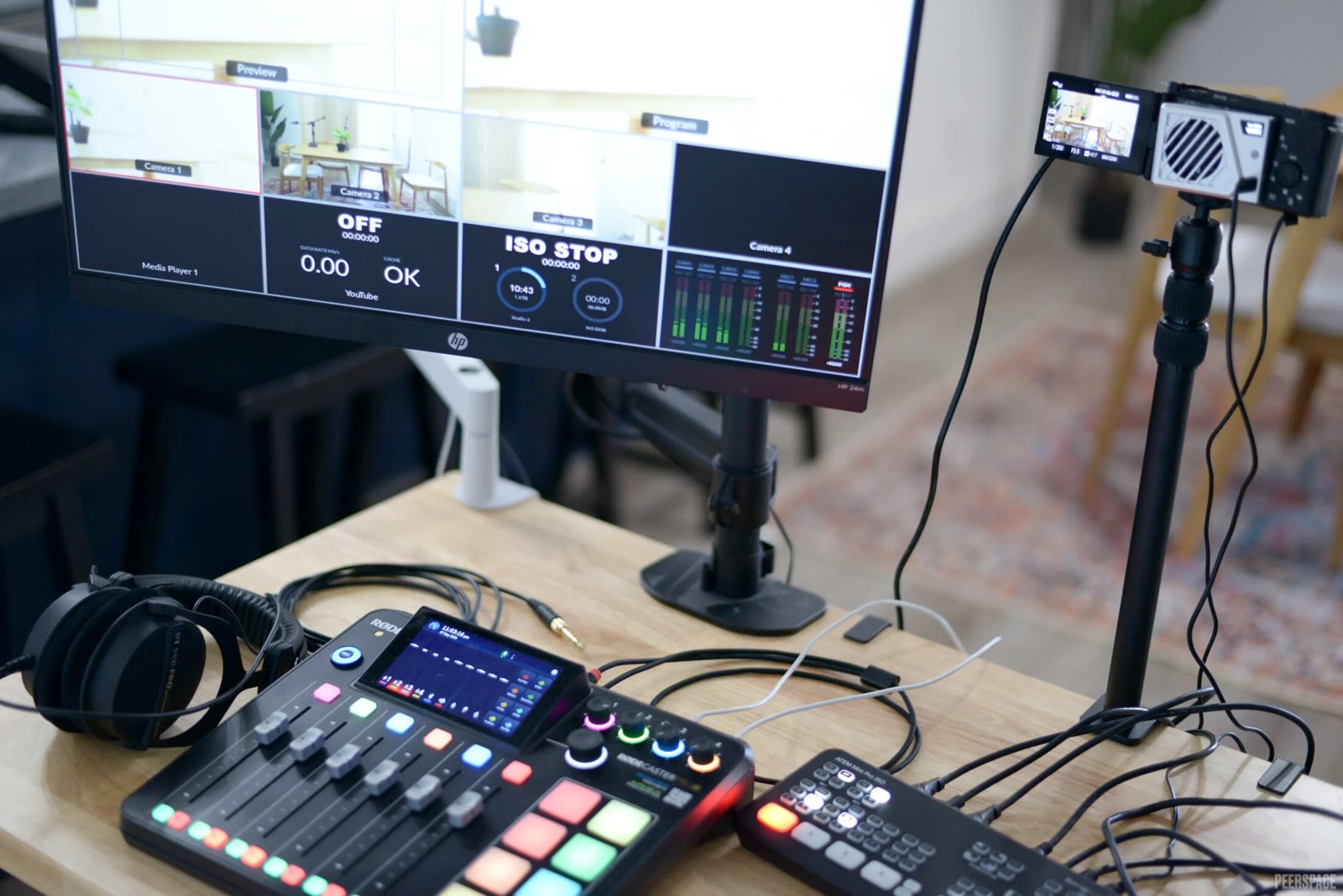
Inventory the components
A video can combine original picture, recorded speech, background music, archival inserts, and screen-shared material. Ask which components are present and whether their source relationships can be documented. Treat a finished production as a compound asset rather than assuming one source description covers every visible and audible element used throughout the timeline.
Describe technical exclusions
State whether background music, sound effects, dubbing, and inserted clips are acceptable for the model task. Music may interfere with speech-focused analysis, while a soundtrack may be important to another objective. Define whether the requirement applies to the entire recording or selected intervals. Keep these technical preferences separate from the project-specific review of intended commercial uses and source documentation.
Inspect original and alternate tracks
If separate audio tracks are proposed, confirm what each contains and how it aligns with the picture. Removing one track may not remove music already mixed into another. Review full sample intervals instead of trusting track names alone. Preserve a clear reference between the delivered video, its selected soundtrack, and any transcript or temporal labels produced for that version.
Resolve uncertainty before expansion
Ask the proposed source to identify unknown or unresolved components, then decide how those examples are handled in the project review. Do not treat public posting, platform availability, or a technical edit as automatic permission for training. Fiund reviews prospective material and commercial scope per project, with availability and sample suitability established through that process rather than a universal clearance claim.
Review checklist
- List picture, sound, and inserted-media components.
- Specify technical soundtrack exclusions separately.
- Inspect actual content of alternate audio tracks.
- Keep unresolved source questions explicit for review.