List overlay types individually
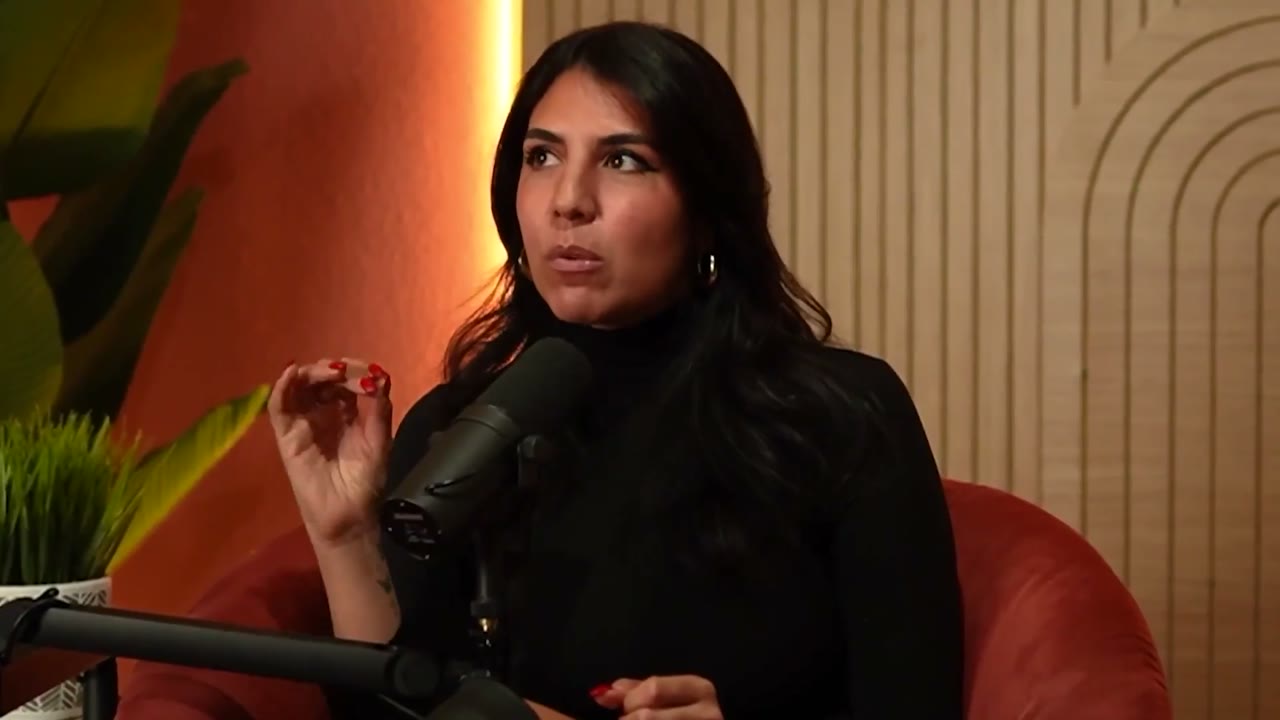
Embedded subtitles, lower thirds, logos, scoreboards, presentation text, and watermarks are different visual elements. State which are allowed, excluded, or useful to the task. Text naturally present in the scene is another category. A short sample gallery can make these distinctions clearer than asking for clean footage without defining what reviewers should look for.
Consider task shortcuts
Visible text may reveal an answer the model is supposed to infer from the underlying scene or sound. Decide whether that is acceptable for your objective. Do not assume every overlay is harmful; presentation text may be central to a multimodal task. Record relevant attributes so evaluation can distinguish intended evidence from an accidental production cue or repeated publisher branding.
Review the full timeline
Overlays can appear only during introductions, selected answers, or ending credits. A thumbnail and one spot check may miss them. Request complete representative intervals and define whether a file containing some excluded segments can be accepted with those intervals removed. Preserve offsets after trimming so transcripts, labels, and source relationships remain connected to the delivered version.
Ask about alternate exports
A source may have an uncaptioned or differently branded version, but availability must be confirmed for the specific project. Removing visible elements can alter pixels and should be documented rather than assumed to restore an original. Fiund can review proposed versions, samples, and commercial terms. No claim about clean footage should substitute for inspecting the exact media proposed for delivery.
Review checklist
- Enumerate permitted and excluded overlay types.
- Identify text that could reveal target labels.
- Review overlays across complete sample intervals.
- Document alternate exports and any removals.